Showing posts with label event. Show all posts

Sunday, December 4, 2011

How do event photographers balance “spontaneous” snapshots versus well-executed shots?

Question

I am not a professional photographer, but I often play at "event photographer" for family events and sometimes informal work events. I find myself struggling with a desire to capture candid snapshots of the events that is contradicted by a desire to make sure the photos come out as good as they can.

How do people balance these two approaches? I'm afraid that if I ask people to move away from a window with a lot of glare, or to step over into better light, etc. it draws too much attention to the fact that I'm taking their picture and will cause the photos to feel too posed or forced. I love capturing people's natural expressions, but sometimes photos turn out horribly because I don't want to "interrupt the scene," as it were.

Are there any rules of thumb that professional photographers use to make sure they get the best-quality but still natural-feeling photos at events? Is it about the photographer's personality/ability to make people feel at ease? do you try to subtly change things about the setting to improve photo-affinity? Should I even try to get to events early so I can set things up the way I think they should be for optimum photographing? Should I just be constantly shooting and hope I get enough shots at the end of the day that turned out alright?

Answer

A few suggestions:

  1. Take pictures constantly - not just to increase the chance you happen to 'grab one', but people eventually forget the camera is there if it's out constantly. You lose being able to capture the moments when the only time they see the camera is that special moment.

  2. I tend not to ask people to move, but I re-position myself. If there is glare from a window, you should be able to move more parallel to the window and reduce the glare. Crouching low or shooting from higher than normal is another way to change the angle of the light and possibly get a more interesting perspective.

  3. I'll ask for at least one or two posed shots during a 'lull' in the 'action'. This way, even if none of the 'natural' ones work out - I've got something. If the subjects are already really comfortable with you, sometimes the posed ones can be the best shots.

  4. Scope out the 'good spots' you think would make a good picture (an interesting background like a rose garden, a particularly well lit area) and keep an eye there for good shots. Lots of people are naturally drawn to the more aesthetically pleasing areas anyway - it's just a matter of catching them when they're there.

  5. Set the expectation that you're not there to embarrass anybody if somebody is acting nervous. Be upfront, honest, and confident. You'll be taking pictures and that if somebody doesn't want their picture taken that it's ok, but you're sure they would like the pictures. Once they're comfortable around you, it'll make your life easier.

  6. Learn to get your posed shots looking natural. Working with people is tough. Be confident and direct them in ways that look natural and good to you, not that feel natural to them - there may be a difference. This was something @JayLancePhotography was talking about once, actually. Position your models so that they look natural. A position where it may look like they're stretching or 'caught' in a kiss or any other pose that looks 'natural' and 'sudden'. It may be rather difficult to get your model to hold this position intentionally for a photograph - it could feel very unnatural. But if it looks natural to the camera, that's what matters. So you shoot for what looks natural to you - you can't just tell your subjects to 'act natural'.

Thursday, October 20, 2011

How can I make effective use of single portable strobe with direct lighting for an event?

Question

I've been tasked with some event photography this weekend. Although the event will be held inside, the color of the walls prevents me from using bounce flash, so I have to use direct flash with a single Nikon SB-900 strobe with a D700 body.

I'd like to avoid the "passport photo" look, but I was wondering what I can do maximize the effectiveness of a single strobe. I have a small softbox and I'm considering a flash bracket, but I don't know how much that would help. There will be many people at the event so I can only bring enough equipment that will keep me mobile without banging into people. In what ways can I make the light as pleasing as possible?

Answer

It does depend on what coverage is needed. If you have been asked to get everyone as they walk on stage, my advice is shoot on camera and get the shot.

Otherwise, When faced with that situation I have bounced, with a small reflector hand held just over the flash.

Pocket wizards or the cheaper Photix mean you can do off camera lighting. I have shot a few wedding receptions with a light on a stand, which I have moved through out the night. Speaking of wireless I have heard that the D700 can be a master, but I have no experience with that.

If you are considering wireless, then you will need to ask the event co-ordinators if there is a way to do so without being in the way.

As to the normal oncamera, it would be best to diffuse it somehow. your small softbox.

You could get a TTL cable and hold it at arms length.

Thursday, September 22, 2011

Is there a web script for clients to pick the photos they want to buy from me? [closed]

Question

I'm currently developing a website for a multimedia business and they do event photography. I'm looking for a script/software that could help their clients to pick the photos they want to buy from a specific event.

The idea is to integrate such system on their website and the whole thing should work more or less like this:

They create an event and upload a bunch of photos to that specific event. The photos should be in thumbnails only (for obvious reasons) so if the script has an option to resize all the photos, better. But my opinion is that it's just better if they upload the thumbnails themselves (faster and easier). So resize is not that important. Each event should be password protected so that person A from event X can't access event Y and order photos from an event he/she didn't attend.

After login, the client picks the photos they want (something intuitive like clicking on each photo would be nice), add their name, address, etc, whatever my client wants. And then either e-mail all this information to a specific e-mail address or save them so that my client can login to the admin area and see their clients orders. The payment doesn't need to be in digital fashion.

It doesn't need to work exactly like I described, it's just a basic layout of what my client wants/needs.

Now, I could code all this myself, that's what I do. But unfortunately I don't have time to do it at the moment and it's something we didn't agree to do initially (they never mentioned it to me when we first talked about their website), so I'm not obliged to do it. I don't mind looking for a script, install it and configure it without any extra cost. But developing something like this takes time and would cost them more. But like I said, I have no time for now. The problem is that I can't find anything that does this... Maybe I'm missing the right keyword in searching but English is not my main language and I don't know what else to search for.

Does anyone know of a script that could help me with this. The website is in WordPress so a PHP script is the optimal choice.

Answer

You're right: what you're looking for doesn't exist. Not exactly. You need an online service or web software that does all that. smugmug.com is one of the best options. Users can create galleries (and password protect them), which can be sent to their clients. From there, clients can order from hundreds of options of prints and merchandise.

Wednesday, August 10, 2011

Is it acceptable in professional photography to accept a meal from the client during a paid event?

Question

On 4-5 hour long assignments shooting events such as anniversaries/weddings/birthdays etc.. the clients have asked me to help myself to lunch/dinner. Is acceptable to do that or will it look completely unprofessional?

Answer

Yes it is. In fact, I've seen many photographer contracts for a wedding explicitly call out whether or not the photographer will be getting a meal.

I've read on some forums that some photographers require a meal, but I think it's in better to taste to make it an "option" on the contract.

If the client said it was okay, then it's okay. Now, of course you want to make sure you do your best to eat quickly, make sure you don't disturb guests and ensure you don't miss any important shots.

Sunday, July 17, 2011

Where should one go in terms of equipment for event shooting after a D7000 kit?

Question

I'm still new at photography -- really, it is going to be a long while before I can get close to the potential out of the D7000 kit. However, Microsoft recently has been giving me the opportunity to go and photograph things like their Imagine Cup World Finals (which is, incidentally, where I am now).

I'm not really looking at spending lots of money on equipment at this point -- I just bought my first serious camera and it's going to be a long time before I will really be able to seriously use better lenses, or other niceties. However, as long as I get to go to these events, I'd like to be able to capture what I see there.

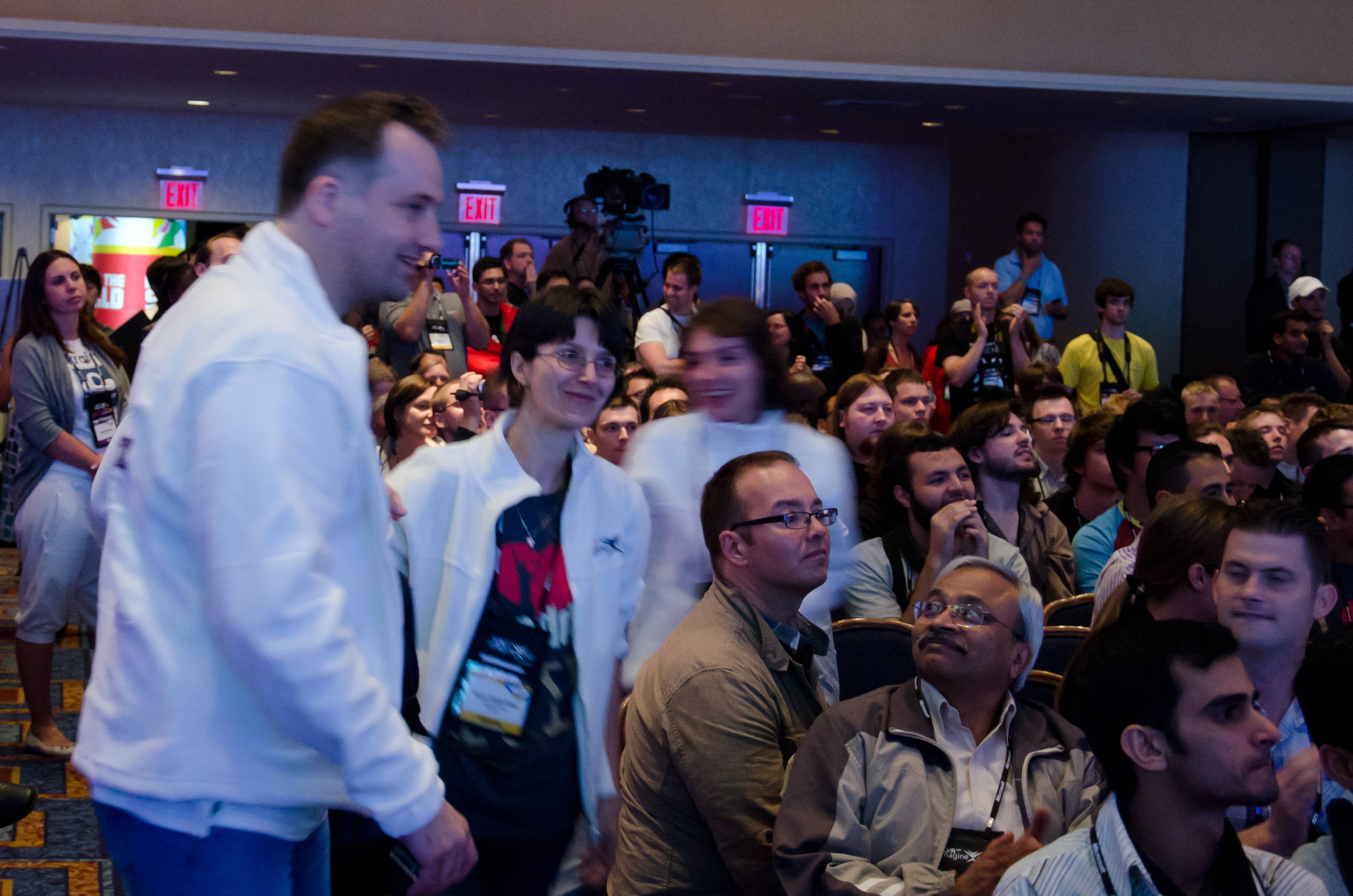
Consider this failed shot of Team Endeavor_Design from Romania, currently competing at the world finals:

Failed Shot #1

Note how the background is reasonably sharp (indicating correct handholding technique + VR in use).

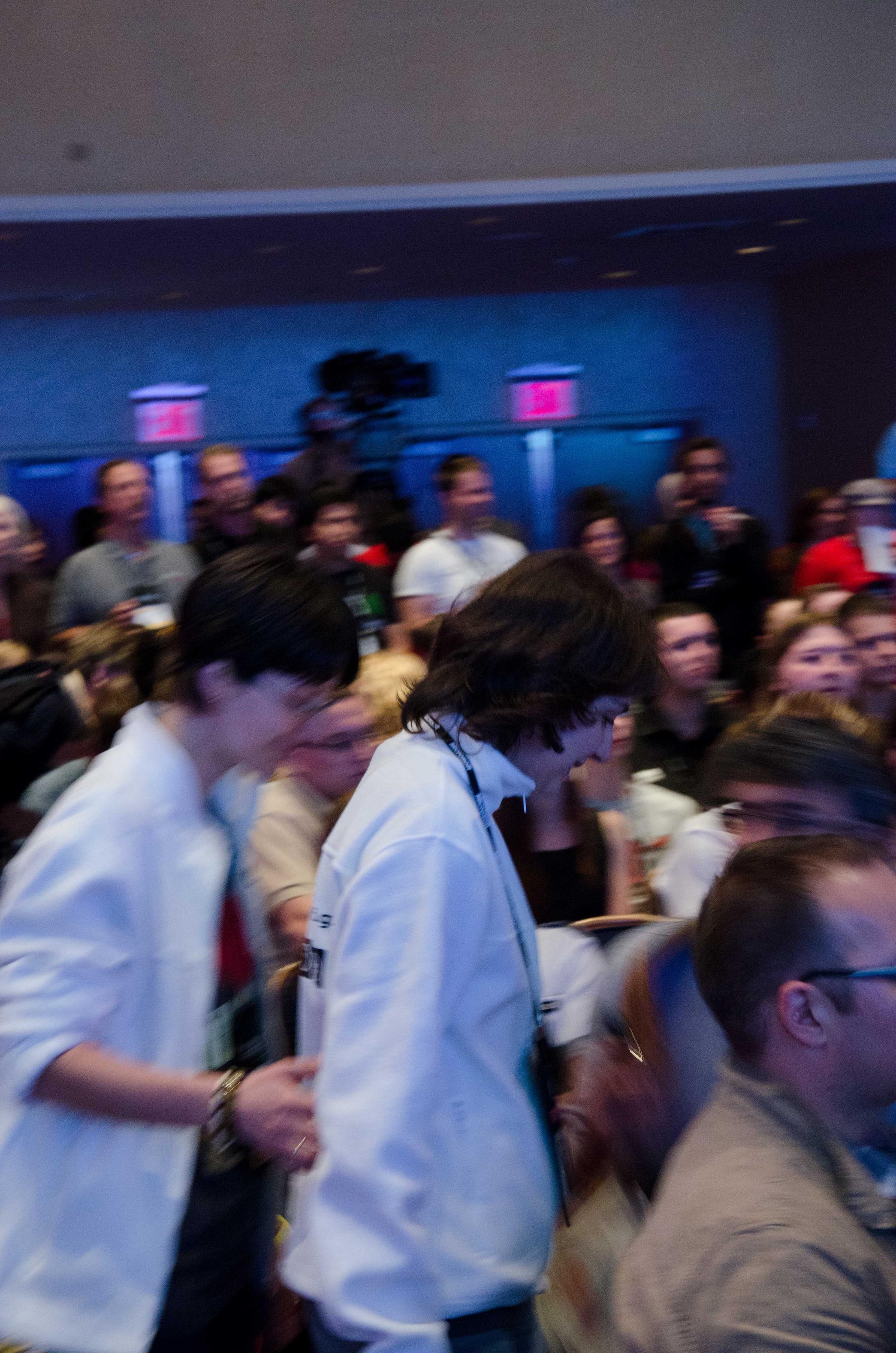
This failed shot demonstrates the opposite effect -- the subject got tracked just fine but everything except for the one subject is a blur. (This image is also a composition failure but ignore that for the sake of discussion here)

Failed Shot #2

For both shots, the D7000 is about maxed out in terms of sensitivity at ISO3200. As it is I had to throw away a lot of sharpness in order to remove the noise at that sensitivity.

As I see it, the only way to save these shots (the first in particular) would be to somehow get more light into the game. A tripod won't solve my issue here, because as the first shot demonstrates, the camera is perfectly able to capture a sharp image while being handheld here. (And just as important, a tripod is unwieldy at an event) That leaves me two options:

  1. A Fast Lens. This is probably going to be the 35mm f/1.8 or the 50mm f/1.8. (All the fast zooms are in the thousands of dollars range which I don't intend to spend anytime soon)
  2. Some form of flash.

I'm unsure what would be the best place to go from here though. The lens might be more versatile, because many venues won't allow use of a flash, and sometimes there's not a nearby ceiling or wall handy to bounce off for a reasonable shot. On the other hand, going with a faster lens takes away zoom ability. Moreover, a fast lens might get me two stops maximum over my current lens, while a flash would work in pitch darkness. As I've not shot a ton of events before though, I'm not sure which path is the better path.

What should I do?

Answer

You need a faster lens. D7000 is a good camera which is able to produce reasonably clean images even at ISO 1600. If you get a 35mm f/1.8, you'll be able to increase your shutter speed and thus get rid of the motion blur. Using flash could be an alternative to consider but a lot of events don't allow flashes to be used and also sometimes it annoys people, so I'd suggest a faster lens over a flash, if possible something with f/1.4.

Also, shoot a lot of pictures, so your chances of getting a technically and composition-wise sound picture is higher. Event photography is a sector which requires the most amount of pictures to be taken comparing to other sectors, so bear with it.